Assign field agents
Assign field agents in ClimMob
After you create a project in ClimMob and complete the Project Overview, you can add the field agents who will work on this particular project. Field agents are your extension workers in the field who will communicate with the participants and later collect all trial observations using the ODK Collect app.
-
On the Project Overview section, click on Assign field agents.
-
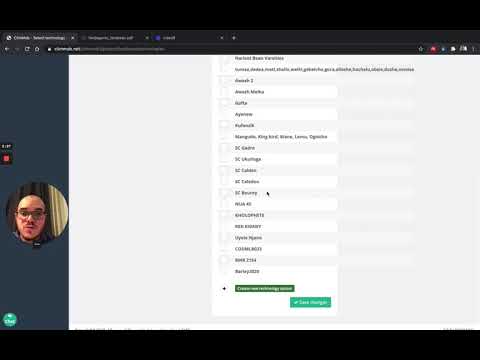
If the fields agents you want to work with are already on the left list, just select the ones you would like to work with in this project.
-
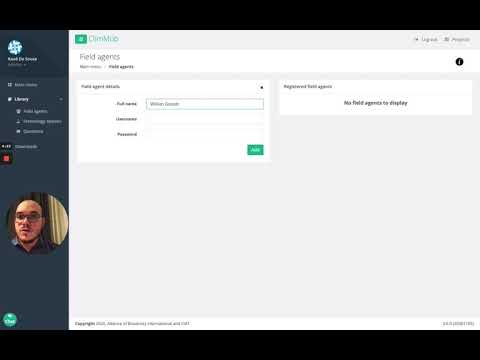
If you would like to add new field agents, click on +add new field agent. This will redirect you to the library of field agents, where you can add the information about a new field agent.
*Note that the field password and username are necessary for ODK Collect.
Video tutorials
Add field agents to your library
Assigning field agents to your ClimMob project